Take control of
your child's device
Lock volume levels, set screen time limits, and protect settings with a hardware-encrypted PIN. Real enforcement at the Android system level.


Kids Guard
Parental Control
Everything you need to keep kids safe
Real enforcement at the Android system level. Not just suggestions — actual locks that children cannot bypass.
Volume Control
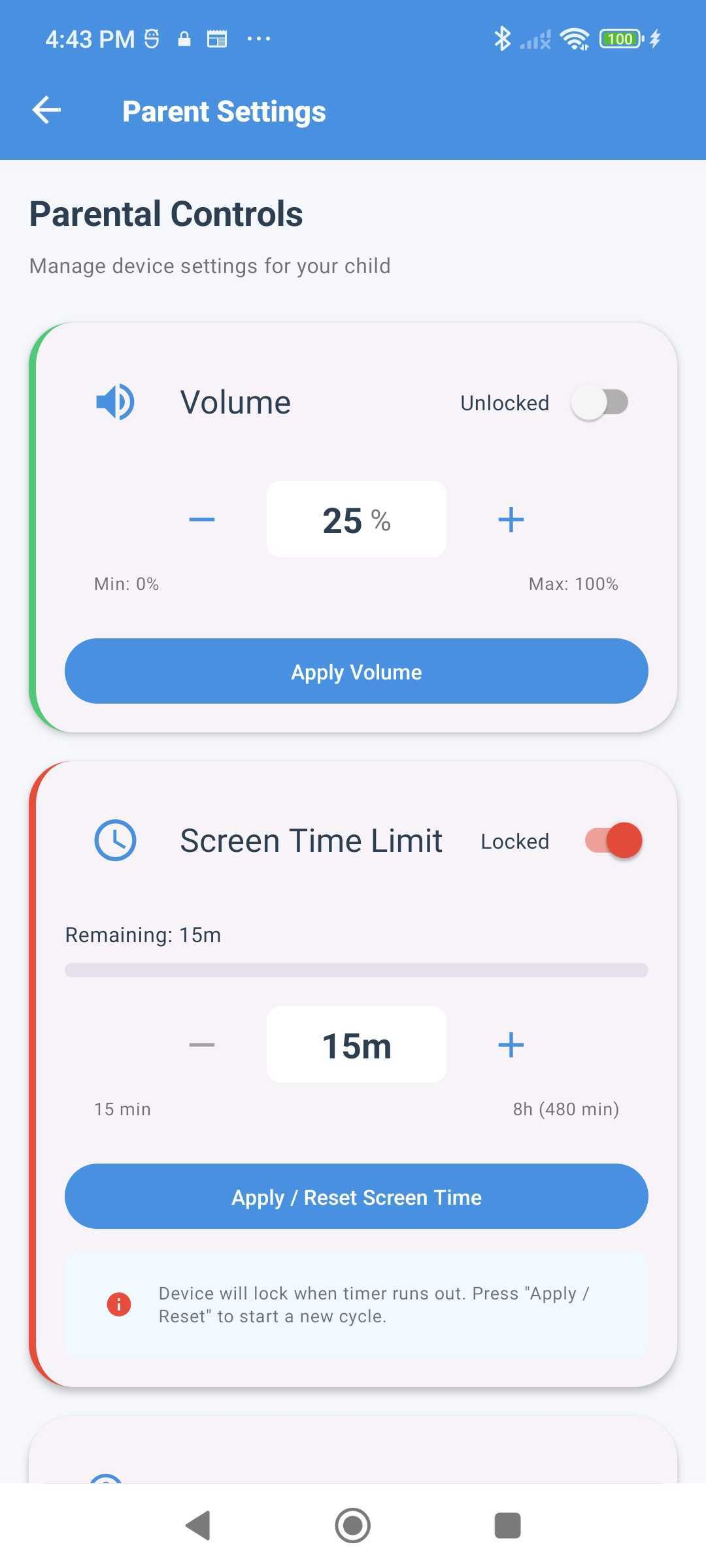
Lock device volume at any level. Native Android enforcement instantly reverts unauthorized changes — even when kids press hardware buttons.
Screen Time Limits
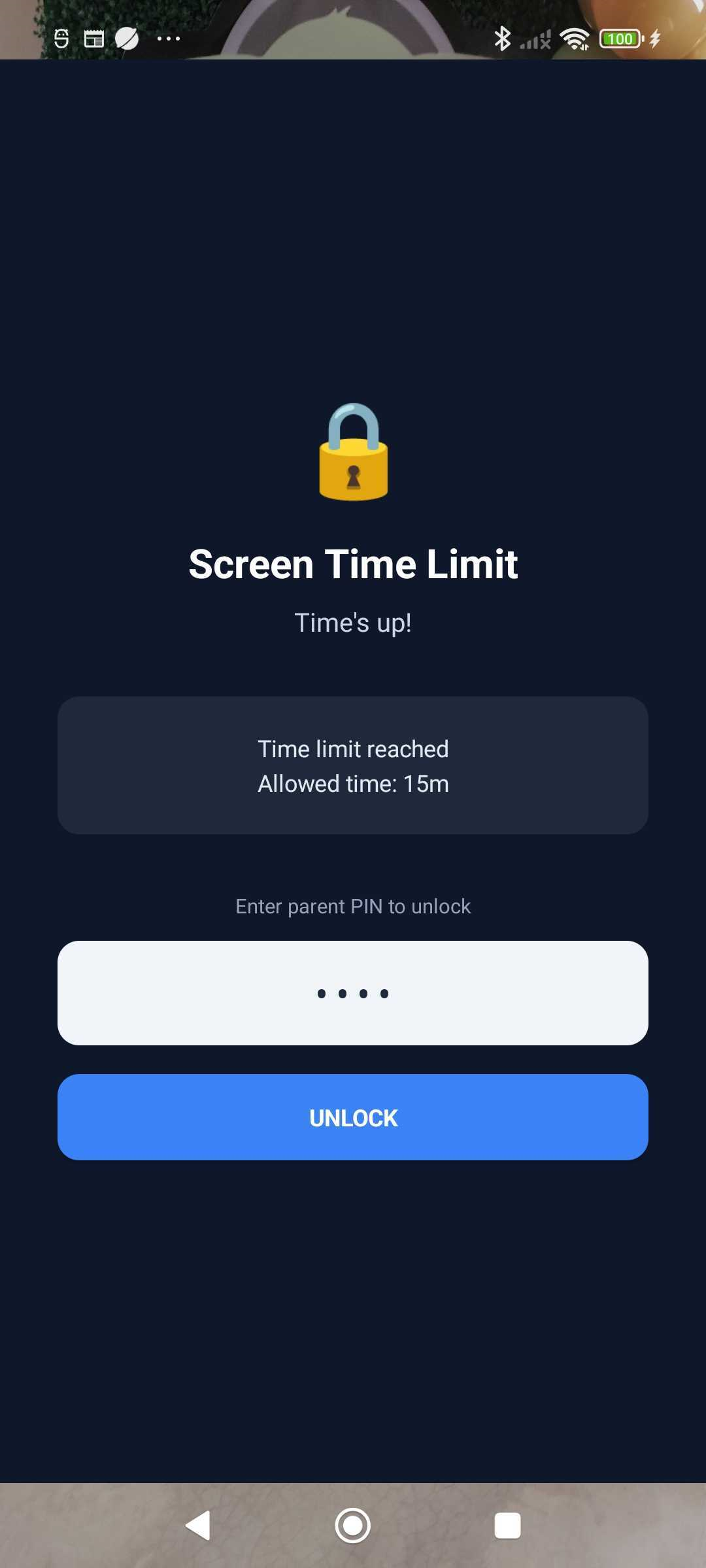
Set daily limits from 15 minutes to 8 hours. A full-screen lock overlay activates automatically when time expires.
PIN Protection
4-digit PIN stored with hardware-level encryption. Exponential lockout after failed attempts prevents brute-force access.
Parent Verification
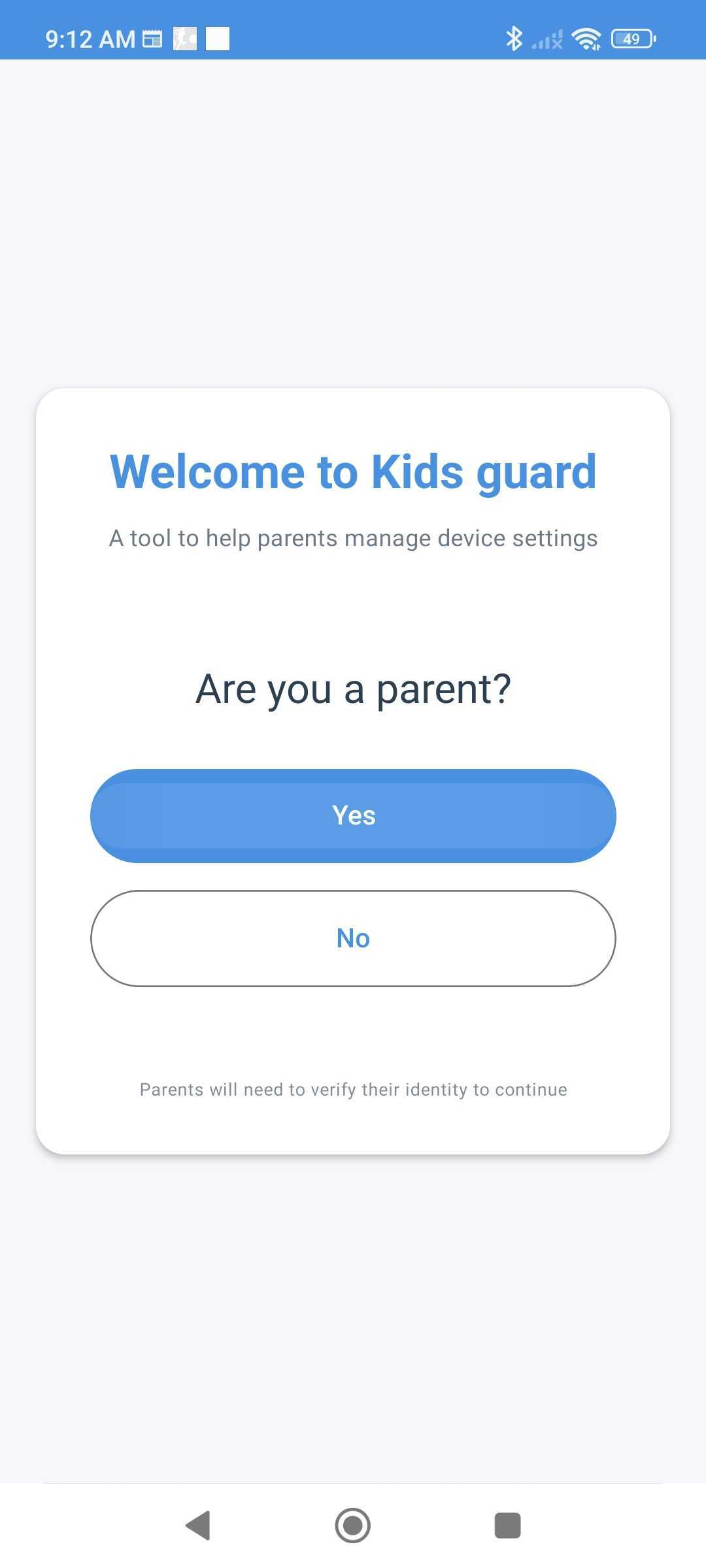
A simple math problem during setup ensures only adults can configure parental controls. Kids can't bypass it.
Background Enforcement
Runs as a foreground service to keep settings enforced. Automatically restarts after device reboot.
Bilingual Support
Full English and Spanish support with automatic device language detection. No configuration needed.
Good for parents. Good for kids.
Setting healthy boundaries helps the whole family. Here's how Kids Guard benefits everyone.
For Parents
Real Enforcement
Volume locks at the native level — changes are reverted instantly, not after a delay.
Peace of Mind
Set it and forget it. Controls stay active even when the app is in the background.
Easy Setup
Get up and running in under a minute. No accounts, no cloud, no complexity.
Secure by Design
PIN is hardware-encrypted. No data leaves the device. Fully GDPR/COPPA compliant.
Free to Use
All features available for free. No premium tiers or hidden paywalls.
For Kids
Consistent Rules
Clear, predictable limits help kids understand boundaries.
Fair Time Management
Screen time limits encourage balanced device usage and healthier habits.
Device Still Usable
Kids can use their device normally within the limits set by parents.
No Surprises
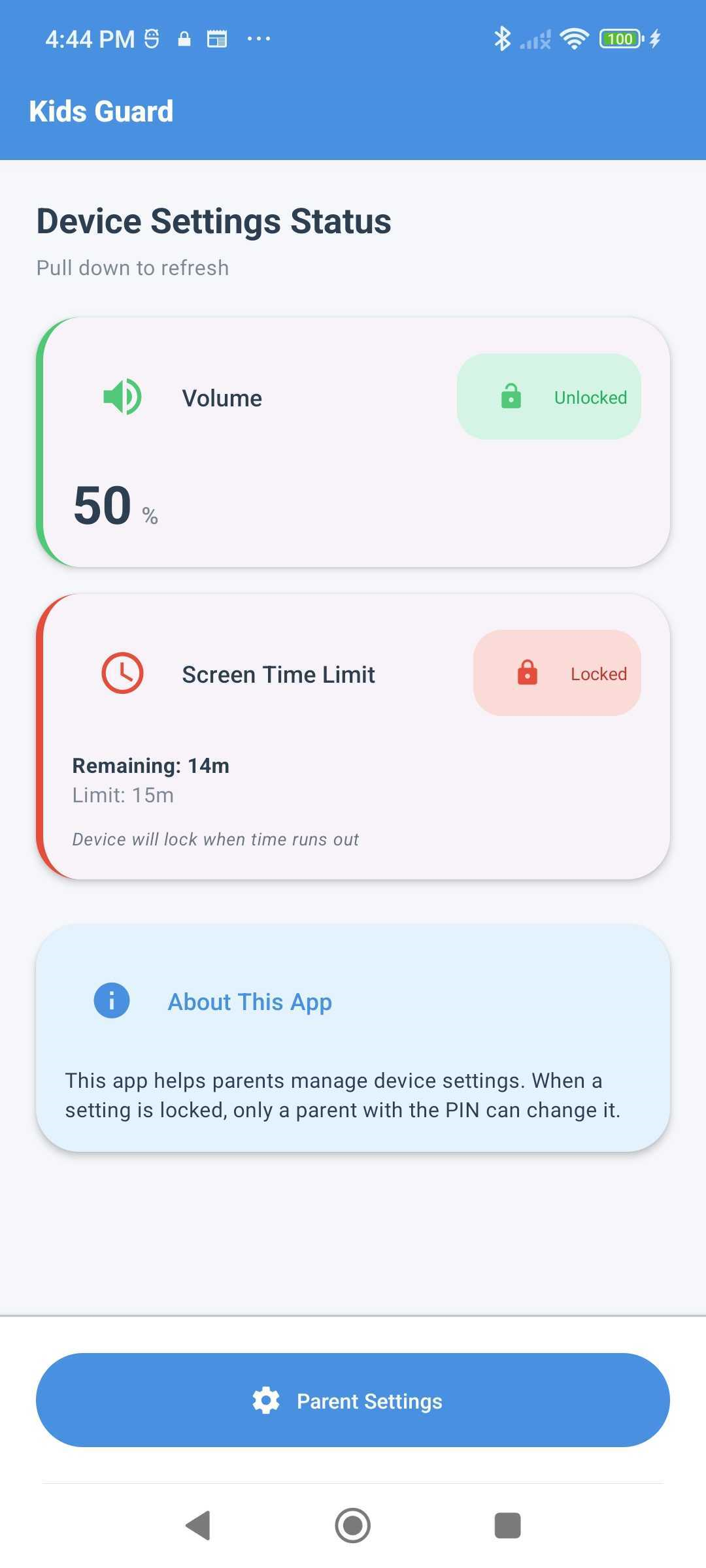
Remaining screen time is visible, so kids can plan their usage.
See it in action
A clean, intuitive interface designed for parents. No clutter, no confusion — just the controls you need.
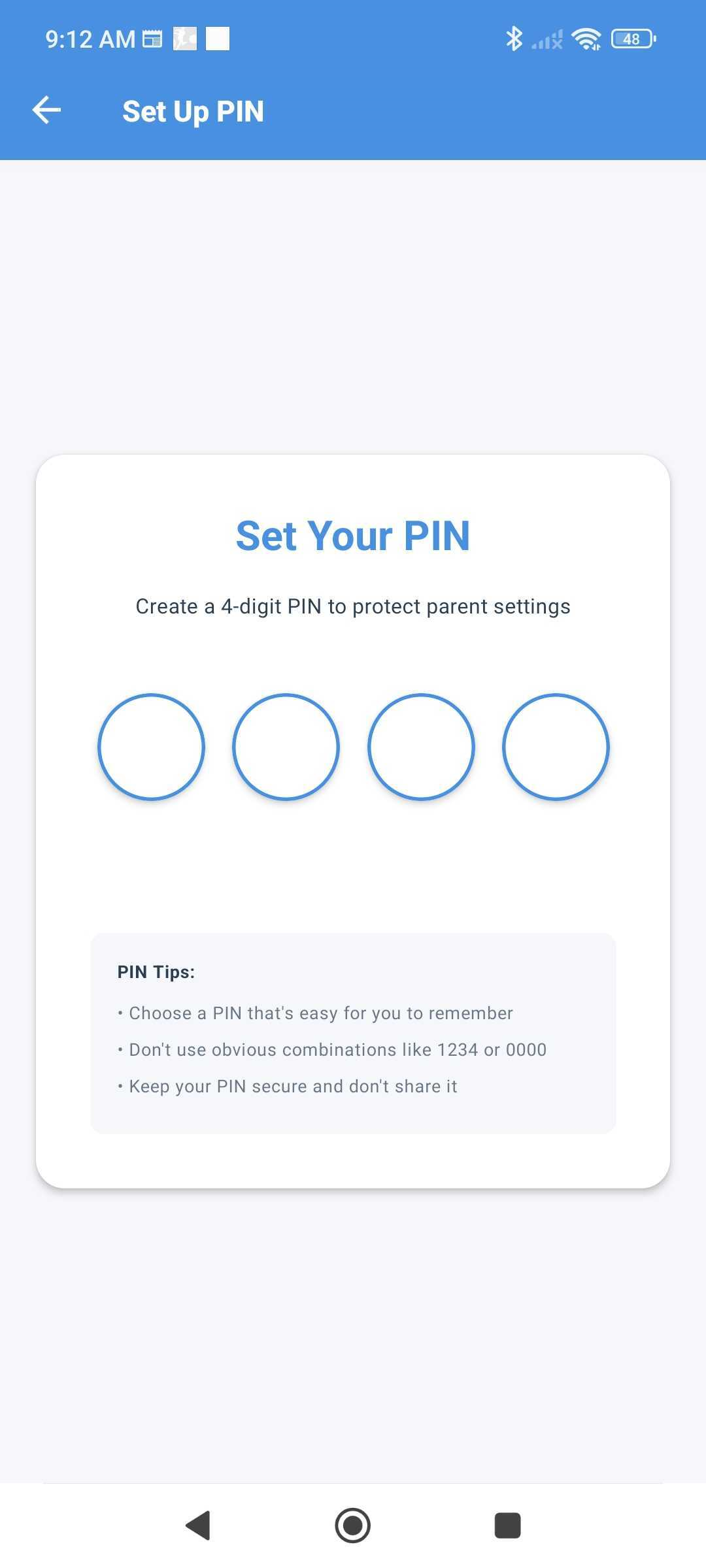
Scroll horizontally to see more screens
Modern tech stack
Built with proven technologies for reliability, performance, and security.
React Native
Cross-platform mobile framework
Java
Native Android modules
Kotlin
Android application layer
Material Design 3
Modern UI components
Hardware Encryption
Android Keychain storage
i18n Localization
Multi-language support
TypeScript
Type-safe development
ContentObserver
Real-time system monitoring
Ready to protect your child's device?
Download Kids Guard for free. Set up in under a minute. No accounts, no cloud, no complexity.
Android 6.0+ required